
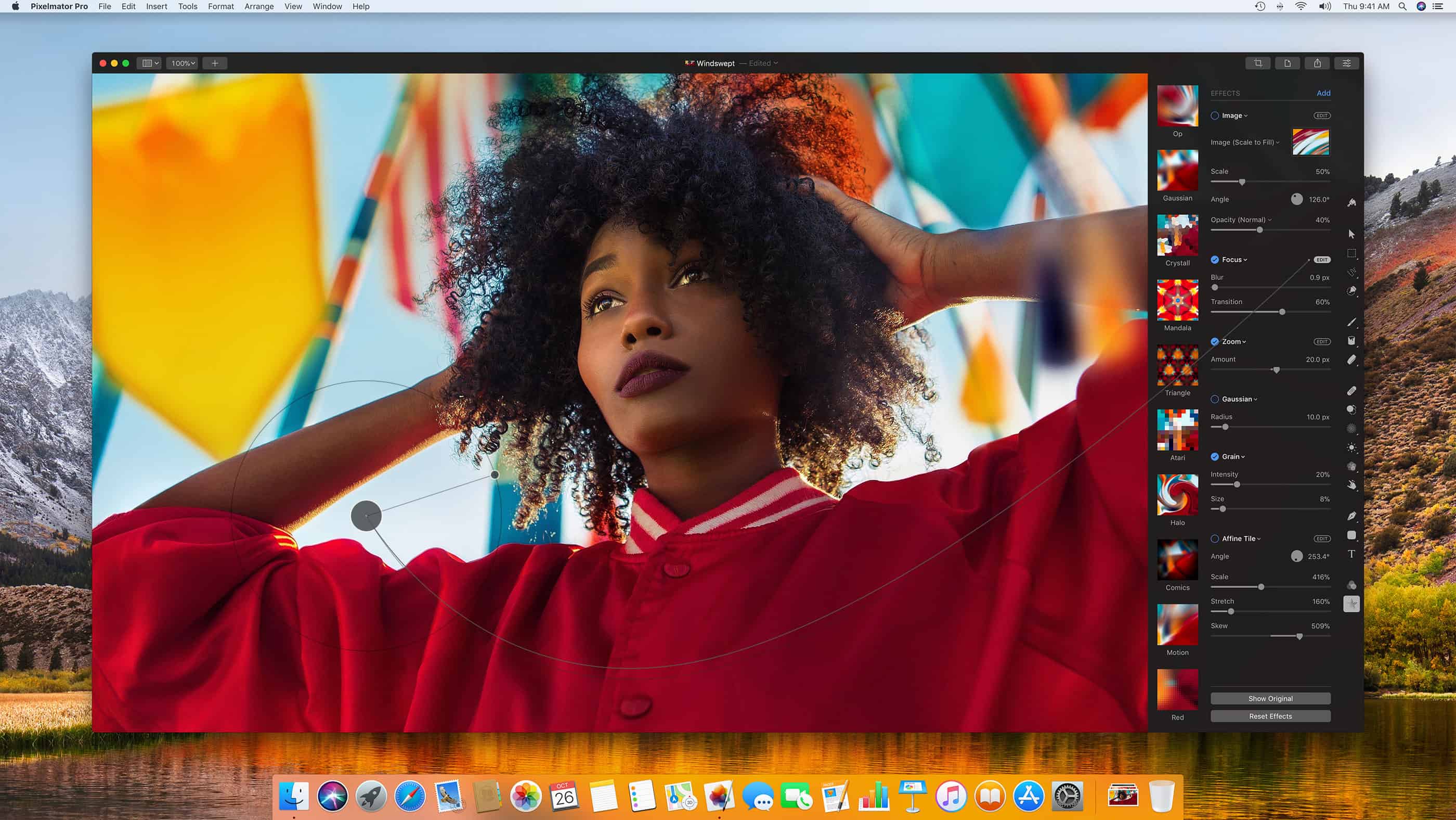
Nu finns Pixelmator Pro 1.6.3 i Mac App Store
Nu finns Pixelmator Pro att köpa och ladda ned från Mac App Store. Det är Pixelmators helt nya version, mer anpassad för professionellt bruk och ett helt omskrivet bild- och grafikprogram.
Tidigare finns som bekant Pixelmator, både för macOS och iOS. Nu kommer uppföljaren och efterträdaren Pixelmator Pro.
https://vimeo.com/231354647
Pixelmator Pro kostar 59.95 dollar.
What’s New in Pixelmator Pro
Version 1.6.5:
- Easily type text on a path, a circle, or any other shape.
- Choose from three new type tools: Circular Type, Path Type, and Freeform Type.
- Or, to start typing on any existing path or shape, simply click any of its edges using any Type tool.
- The new Type tools also fully support emoji and SVG fonts.
- Use the new Shift-T keyboard shortcut to cycle through Type tools.
- Text layers typed on paths can be easily converted into shapes. Canvas Rotation
- Use the new canvas rotation feature to freely rotate your canvas to any angle.
- You can rotate the canvas using the rotate Multi-Touch gesture.
- Canvas rotation snaps to 90° angles with haptic feedback.
- Enter specific angles to set an exact rotation.
- Press and hold the Space bar and R key together, then drag to quickly rotate the canvas when using any tool.
- You can also choose to always show or hide canvas rotation controls in the View menu. Welcome Screen
- A friendly new welcome screen makes it easier to open your existing images, create new ones, and open photos from your Photos library.
- The Welcome screen appears automatically when you open Pixelmator Pro, but you can also open it from the Window menu or using the Shift-Command-1 keyboard shortcut.
- Preview files in the new Welcome screen using Quick Look by pressing the Space bar on your keyboard. Improvements and Fixes
- Version 3 of the ML Super Resolution algorithm brings support for upscaling RAW files, a progress bar, and even sharper results.
- The performance of the Clone tool has been improved.
- Converting a masked layer that has been transformed using the Transform tool into pixels would not work correctly. Fixed.
- Transforming group layers containing layers that have been recently masked would not work correctly. Fixed.
- On macOS 10.14 or later, memory usage would occasionally spike when working on large documents. Fixed.
- Graphical artifacts would sometimes appear when resizing or moving layers in certain situations. Fixed.














0 kommentarer