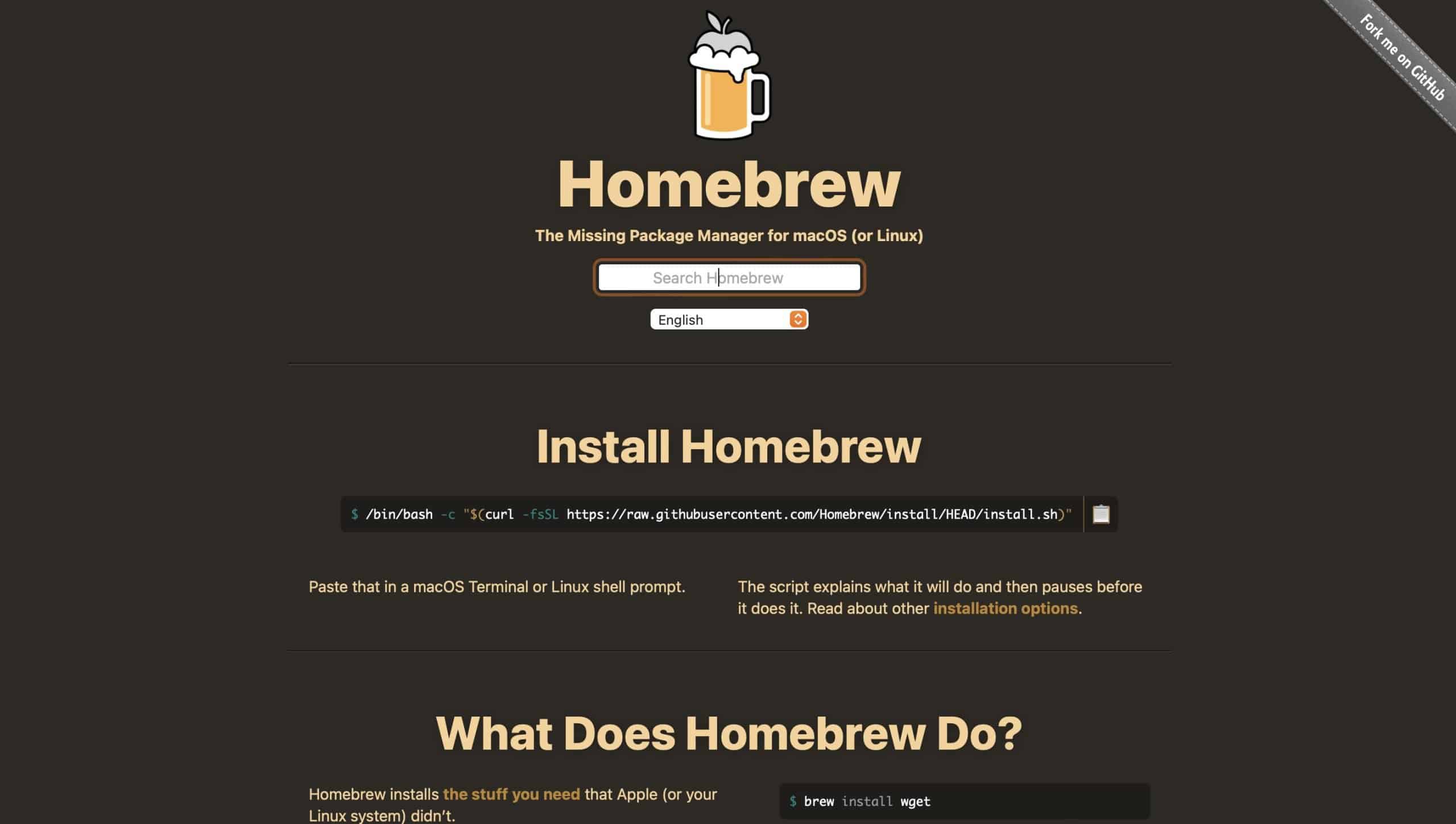
Home Brew är både ett program och en tjänst för Open Source-program för fin Mac. Med HomeBrew så kan du dessutom både hitta och lätt installera program.
Homebrew installerar paket till sin egen katalog och länkar sedan sina filer till /usr/local (på macOS Intel). Det betyder att allt de du installerar med Home Brew finns på ett och samma ställe – inte överallt i din Mac.
Det HomeBrew inte gör är att ge dig en tydlig, överskådlig programkatalog – utan du får använda sökfunktionen, söka på nätet om du ska hitta alla projekt men programmet håller reda på vad du installerat och som sagt ser till att hålla det på en och samma plats i din Mac. Sökfunktionen som finns på HomeBrew är för övrigt både snabb och du får veta det viktigaste.
Grafiskt skal
Räkna inte heller med att alla program som du installerar har ett fullt utbyggt grafiskt skal. Bland alla projekt så finns kommandostyrda program och funktioner, vilket framgår av beskrivningen. Avskräcks nu inte av det – här finns bra, riktigt bra Open Source-program som inte kostar en krona.
What’s new in version 5.0.16
What’s Changed
bump: fix arch-specific version output by @samford in #21596
cleanup: fix file descriptor leak in cleanup_lockfiles by @ranga-nir in #21611
Dockerfile: remove g++-12 from Ubuntu 24.04 by @cho-m in #21613
Catch cask errors to continue cleanup in install, upgrade, reinstall, and uninstall by @koddsson in #21615
uninstall: make resilient to individual failures by @koddsson in #21617
upgrade,reinstall: make resilient to individual failures by @koddsson in #21618
bundle: allow preinstalled mas by @bevanjkay in #21619
linkage_cache_store: typed: strict by @costajohnt in #21594
Add uv tool support to brew bundle by @shaanmajid in #21614
Use repository-local brew for LLM checks and guidance by @shaanmajid in #21628
rubydoc: fix sidebar navigation links on nested pages by @GunniBusch in #21589
diagnostic: add warning on upcoming glibc 2.39 by @cho-m in #21616
Guard scheduled issue jobs to upstream repo by @shaanmajid in #21627
caskroom: filter out casks without valid installation metadata by @koddsson in #21630
Fix internal API service handling by @Rylan12 in #21631
Add API contract verification tests for FormulaStruct and CaskStruct by @mmatus3 in #21632
Fix typo: enviroment -> environment in tests.yml by @luojiyin1987 in #21634
build(deps): bump the pip group across 1 directory with 2 updates by @dependabot[bot] in #21635
rubydoc: fix index page by @GunniBusch in #21637
Add generate-zap command to create zap stanzas by @p-linnane in #21633
build(deps): bump the bundler group across 2 directories with 8 updates by @dependabot[bot] in #21636
cask: gracefully handle removed DSL methods by @costajohnt in #21624
cmd/update-report: handle cask-to-formula tap migration with rename by @cho-m in #21642
.claude/settings.json: skip tests hook when no files changed by @zbeekman in #21640
Cleanup some more residual test-prof workarounds by @Rylan12 in #21643
GithubReleases: only check tag_name by @samford in #21645
formula: handle future deprecation and disable dates by @cho-m in #21644
edit: auto-tap core/cask repos when not installed by @tiluckdave in #21641
bin/brew: preserve XDG_CONFIG_HOME through environment filter by @cohei in #21648
diagnostic: ignore FUSE-T files by @gromgit in #21650
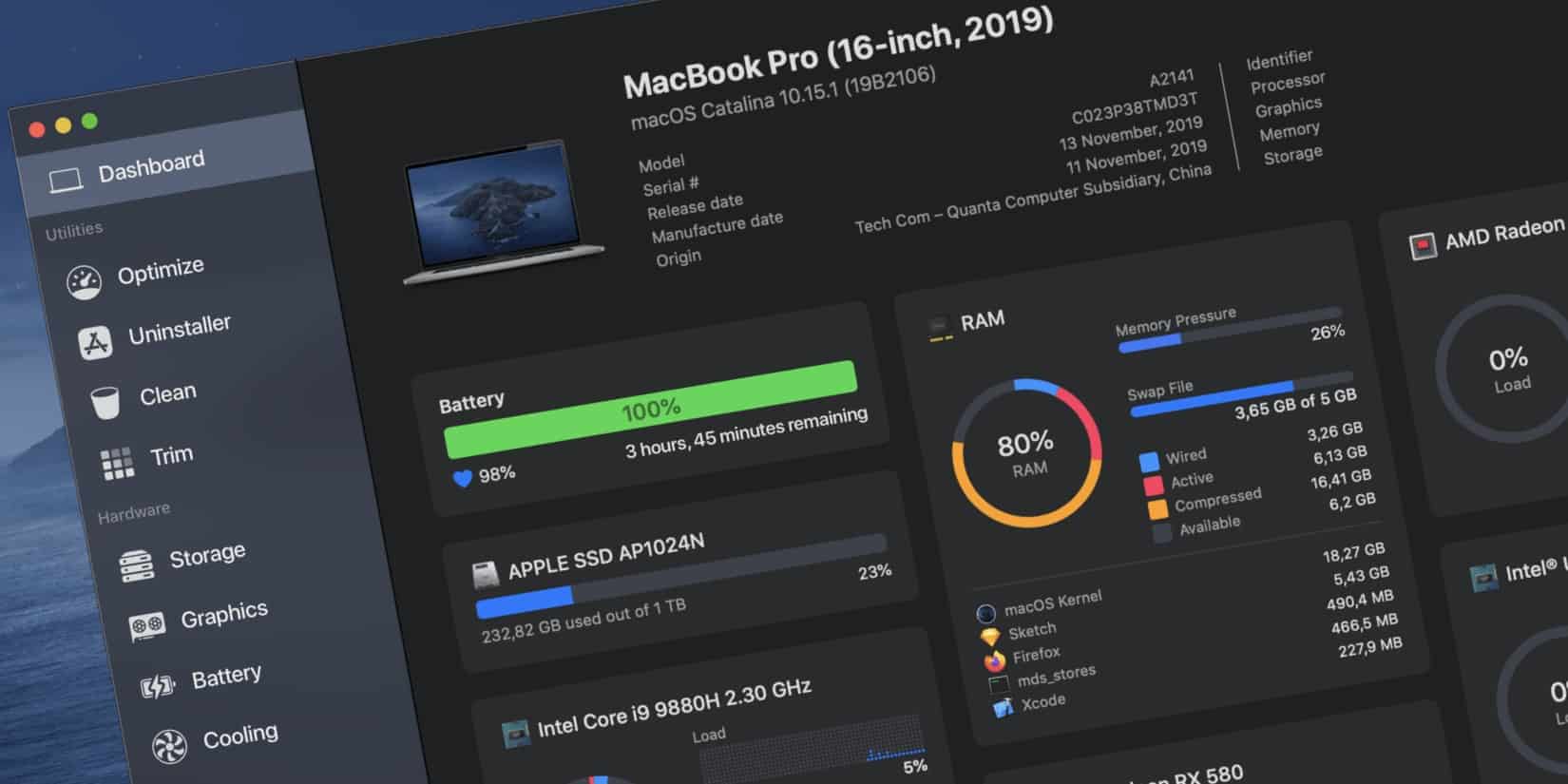
Sensei är att underhålls- och städprogram för Mac. Du kan snabbt lista saker som startas när du loggar in, avinstallera program du inte använder och hitta stora filer som du kanske inte heller behöver ha kvar.
Sensei har snarlika funktioner som CleanMyMac, är snabbare vilket kan förklaras av att Sensei inte riktigt klarar av allt det som CleanMyMac kan göra. Sensei är enklare med lite färre funktioner. Sensei har å andra sidan en del funktioner som CleanMyMac saknar – övervaknings- och mätfunktioner exempelvis. Det är två program som delvis är lika varandra och som i andra delar inte är det.
Val
Så, CleanMyMac eller Sensei?
Det beror på vad du är ute efter. Ett städprogram som håller koll på fläktar och annat – Sensei, eller ett mer renodlat underhållsprogram – CleanMyMac. Handlar det om pengar så kostar CleanMyMac mer än Sensei.
Sensei kostar runt 280 kronor för en personlig licens som gäller i ett år, 570 kronor för en licens som ger dig livstids uppdateringar. Licensen omfattar en person med 3 datorer.
CleanMyMac kostar 393.51 kronor för en Mac, 590.51 för två datorer och 886 för åtta datorer.
Senseis stora fördel är enkelheten – det är rakt på, utan krussiduller. Du kan snabbt lista det som laddas då du startar din Mac och plocka bort sådant som kanske har blivit kvar efter ett program som du har avinstallerat. Du kan snabbt lista alla filer i din dator, efter storlek, för att se vad du kan kasta. Gamla stora filer som du inte använder kan du antingen flytta undan eller radera.
Ukrainian hacktivists have unveiled an extensive interactive map detailing 6,088 Russian defense facilities, featuring sensitive employee data that could enhance future cyber operations against Russia’s military-industrial complex
In the ongoing war between Ukraine and Russia, the battlefield has expanded far beyond trenches and artillery positions. In previous articles, we discussed how hackers attack Russian SCADA/ICS systems, conduct reconnaissance by hacking cameras, and much more. Hacktivists operate alongside conventional military forces to degrade enemy capabilities.
Wireshark är ett program för att analysera din trafik (Network protocol) och det är ett program som nästan är standard i vissa tester och inom vissa branscher.
Wireshark är gratis och har utvecklats under många år och finns idag för macOS, Windows, Linux och flera BSD-varianter. Det är ett utmärkt program för att kolla trafiken i ditt lokala nät. Nu ska tilläggas att detta är ett program avsett för trafikanalys och det kräver vissa tekniska kunskaper om du ska kunna utnyttja det fullt ut. Som verktyg betraktat, för den som behöver ett sånt här program så är det mycket användbart.
Wireshark is one of the world’s foremost network protocol analyzers, and is the standard in many parts of the industry. It is the continuation of a project that started in 1998. Hundreds of developers around the world have contributed to it, and it it still under active development.
Wireshark has a roch feature set whoch includes the following:
Standard three-pane packet browser
Multi-platform: Runs on Windows, Linux, OS X, Solaris, FreeBSD, NetBSD, and many others
Multi-interface: Along with a standard GUI, Wireshark includes TShark, a text-mode analyzer whoch is useful for remote capture, analysis, and scripting
The most powerful display filters in the industry
VoIP analysis
Live capture and offline analysis are supported
Read/write many different capture file formats: tcpdump (libpcap), NAI’s Sniffer (compressed and uncompressed), Sniffer Pro, NetXray, Sun snoop and atmsnoop, Shomiti/Finisar Surveyor, AIX’s iptrace, Microsoft’s Network Monitor, Novell’s LANalyzer, RADCOM’s WAN/LAN Analyzer, HP-UX nettl, i4btrace from the ISDN4BSD project, Cisco Secure IDS iplog, the pppd log (pppdump-format), the AG Group’s/WildPacket’s EtherPeek/TokenPeek/AiroPeek, Visual Networks’ Visual UpTime and many others
Capture files compressed with gzip can be decompressed on the fly
Hundreds of protocols are supported, with more being added all the time
Coloring rules can be applied to the packet list, whoch eases analysis
What’s New
What’s new in version 4.6.4
Bug Fixes
wnpa-sec-2026-05 USB HID dissector memory exhaustion. Issue 20972. CVE-2026-3201.
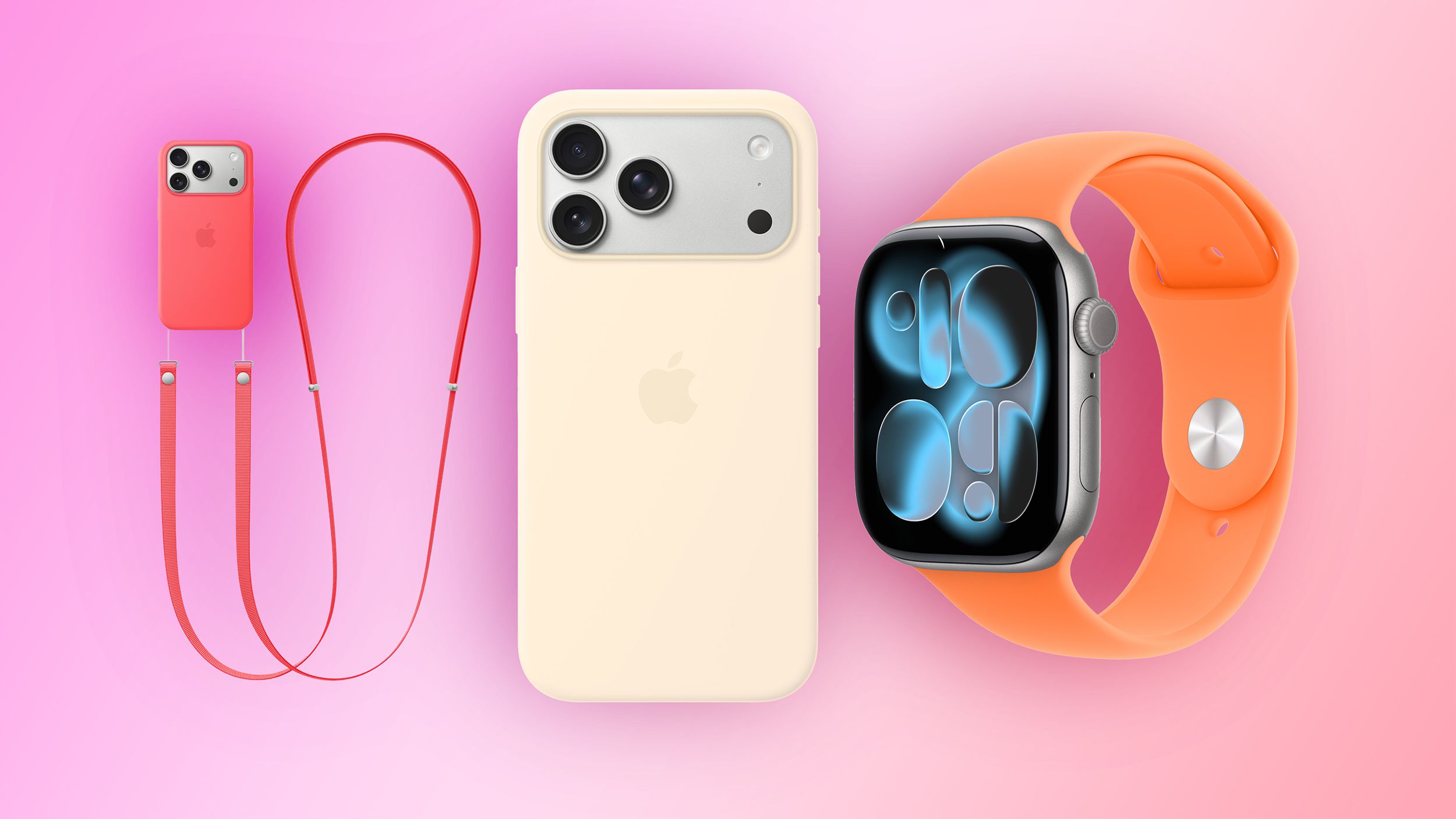
A seasonal color refresh arrived today for a variety of Apple accessories, including iPhone cases, Apple Watch bands, and the Crossbody Strap. All of the accessories in the latest colors are available to order on Apple.com starting today.
Apple’s Silicone Case for the standard iPhone 17 model has three new color options, including Bright Guava, Vanilla, and Electric Lavender.
Bright Guava and Vanilla extend to the Silicone Case for iPhone 17 Pro and iPhone 17 Pro Max, but the Pro models did not get Electric Lavender treatment.
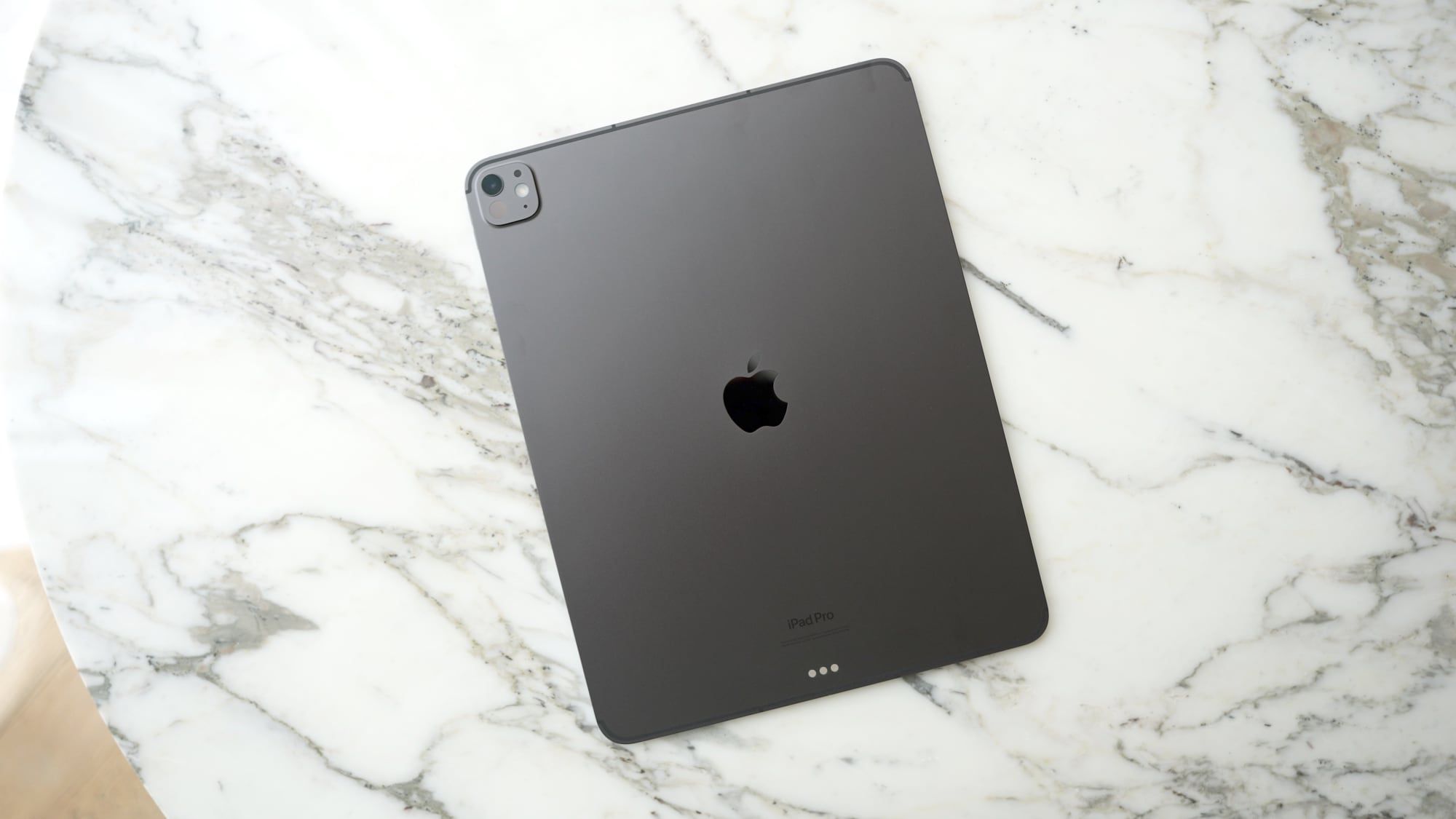
Apple will add a vapor chamber cooling system to the iPad Pro as soon as next year, according to Bloomberg’s Mark Gurman.
Writing in his latest Power On newsletter, Gurman says an iPhone 17 Pro-style vapor chamber is something Apple has been working to bring to the ultra-thin iPad Pro, and it could debut in the next model, which is expected to arrive in spring of 2027.
Apple overhauled the thermal design of the iPhone 17 Pro models to include a vapor chamber cooling system, where a small amount of deionized water moves heat away from the A19 Pro chip and distributes it throughout the iPhone’s aluminum unibody frame. Apple says the design allows for 40 percent better sustained performance for demanding tasks.